
I added two more tables to my AirTable project.
Previously I had table labeled
- Staff: All the staff members
- Notes: Notes on the staff members
- Tasks: My to-do list. It is set so I can link a task to a staff member or not, as well as all the usual GTD stuff (Project, Context, . . .)
I’ve added two more tables and I think those are the last two I will add. I really will not know how this all works until I actually use it with teachers, but I think this is better than my attempt at anecdotal records in the past.
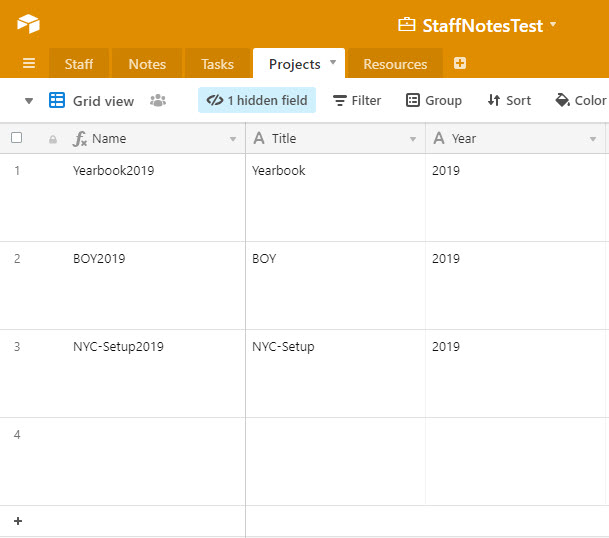
The Projects table is just a list of projects. I wanted a way to limit the chance of me mistyping a project (Yearbook2019 vs Yearbook-2019).
I also added a resources table. I wanted a way to keep resources I might need (links to a particular google drive folder or file, for example) with the tasks associated to it. So I added a resource Table and I linked it to the task table.
So that is where I am going to stop tweaking. In the words of Mike Tyson, “Everyone has a plan until they get punched in the face.” So I will give an update with this after the first quarter.
 Notes For Kevin
You must be logged in to post a comment.